K-POP

BELIFT LAB audition filters, photos and video framing: what is allowed?

Andxo·2026년 10월 9일·2026년 10월 9일 수정2026년 10월 기준 정보

BELIFT LAB audition filters, photos and video framing: what is allowed?

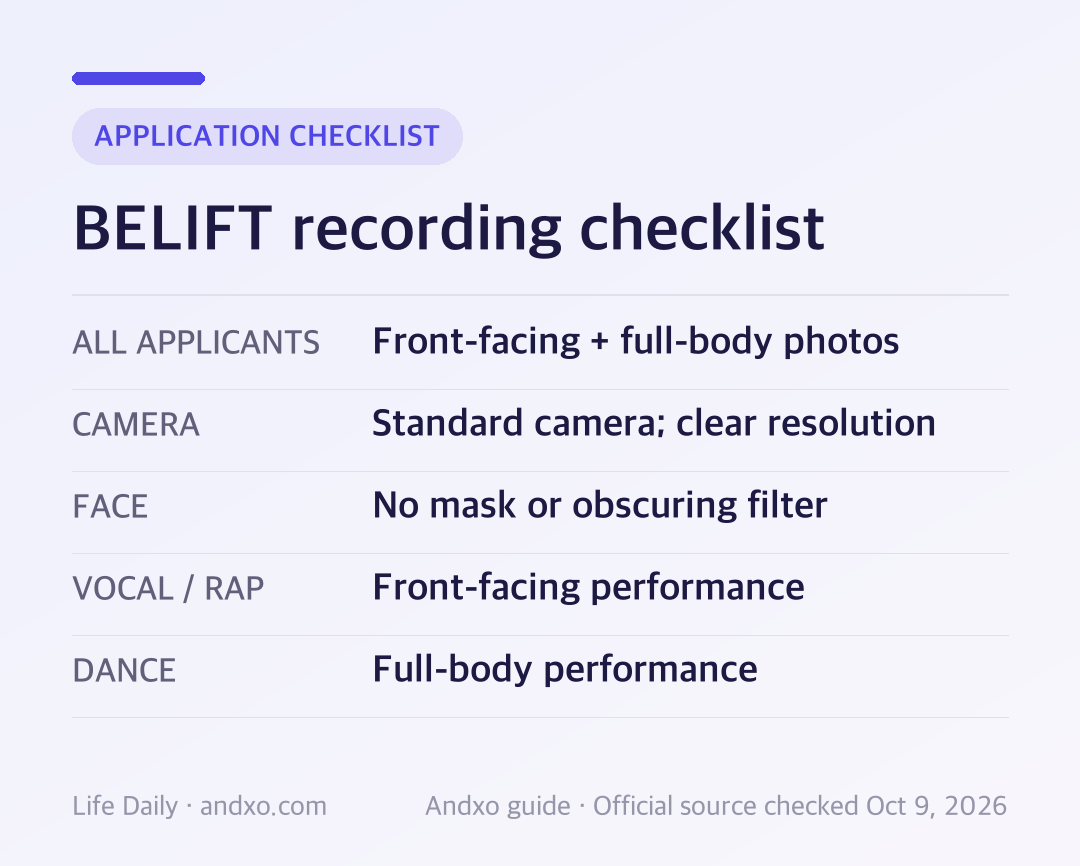
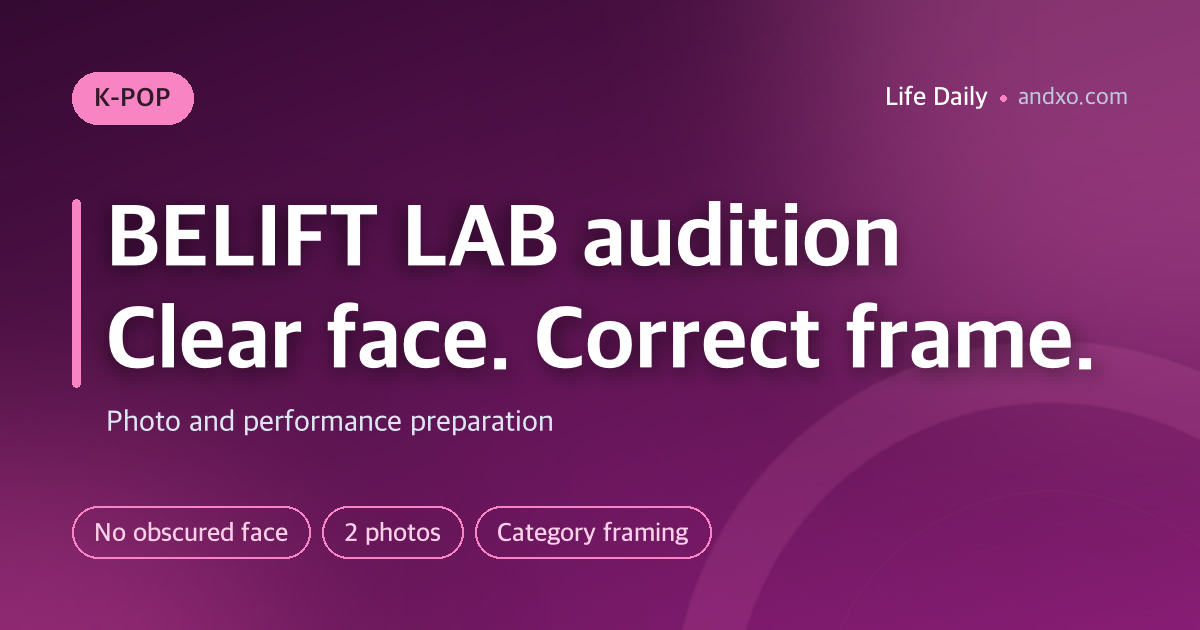
Do not submit BELIFT LAB audition material with your face obscured by a mask, filter or another obstruction. Its official instructions say such submissions are excluded from evaluation. Record with a standard camera in clear resolution, provide front-facing and full-body photographs, and use the framing required for your chosen performance category.

Key takeaways: Both photographs are mandatory for every category. Vocal and rap performances are front-facing; dance is full-body. The source does not list approved filters, so a subtle-looking effect is not evidence of permission.

Required material by category

Category or materialOfficial instructionPreparation check
All applicantsFront-facing and full-body photographsHave two identifiable photo files
VocalFront-facing vocal performance videoFace the camera and check the saved sound
RapFront-facing rap performance videoKeep the face visible throughout
DancingFull-body dance performance videoCheck the frame through the whole routine
ProducingCreative work, such as lyrics, composition or instrument performanceRead the selected field’s upload format
OthersTalent such as acting, walking or posingMatch the material to the selected category
Camera and visibilityStandard camera, clear resolution; no obscured faceTest the camera and final export

BELIFT recording checklist: source-based preparation summary Original Andxo checklist based on the official instructions checked October 9, 2026; not an agency form or applicant photograph.

Turn off face effects before your test take

A camera application may remember an effect from a previous recording. Inspect the settings before filming, then save a short test and watch it back. Check for a mask, face overlay or another obstruction in the exported file. Looking only at the live preview may miss an effect applied during export.

BELIFT’s wording concerns an obscured face. It does not define every cosmetic adjustment or publish a list of approved filters. Avoid guessing where that boundary lies: the practical route is a plain recording with a standard camera. This advice does not imply that the agency uses a particular automated filter detector.

Clear resolution does not establish a mandatory camera model or an official pixel count. Use the current form for any technical specifications. A paid camera or studio cannot be described as a requirement based on the checked page.

Prepare photographs even for creative-work categories

Producing material does not replace the front-facing and full-body photographs. The official page says the photo requirement applies regardless of category. Put both photographs on your checklist before you prepare the creative-work upload.

For the front-facing image, check whether your face is clear in the saved file. For the full-body image, check that the entire body is included. Do not assume a performance video’s cover image fills a separate required photo field.

You can keep your own filenames and originals organized while preparing. Any final naming or packaging instruction should come from the current form, not from another applicant’s setup or another HYBE label’s rules.
Frame the performance for the selected field

For vocal and rap, use a front-facing performance recording. For dance, position the camera so the whole body stays visible as you move. A dancer can start entirely in frame and move out of it later; play the whole take before you upload.

For producing or “others,” inspect the actual upload field before choosing a document, audio file or video. The category examples on the public page are not a complete technical file specification. They do not establish how many categories you may submit or whether external video links are accepted.

The checked source does not verify universal duration and size limits. ADOR’s one-minute minimum and WAKEONE’s talent-video limit are separate instructions and cannot be applied to BELIFT LAB.

Final file checklist

  1. Start from BELIFT LAB’s official audition page and its linked application portal.
  2. Read current eligibility, deadline and selected-category instructions.
  3. Save both required photographs and check their framing.
  4. Replay the entire performance with sound; check face visibility and category framing.
  5. Confirm upload format and limits before final export.

FAQ

Is a subtle beauty filter allowed?

The checked page does not provide an approved-filter list. It excludes an obscured face and asks for a standard camera. A filter’s subtle appearance does not establish approval.

Do producing applicants still need photographs?

Yes. Front-facing and full-body photographs are mandatory for every applicant, regardless of the performance category.

Should dance be recorded as a close-up?

The stated dance requirement is a full-body performance video. Check that the frame remains suitable through your movement, rather than only in the opening pose.

How long should my video be, and who is eligible?

Universal video duration, upload size, age, gender and nationality conditions were not verified in the checked public instructions. Read the current official application. This guide covers recording preparation, not a confirmation of eligibility.

Official source and next step

Use BELIFT LAB’s official audition page, which links to its English application portal. The portal’s material instructions were checked on October 9, 2026, Korea time. The graphic is original source-based guidance, not an official application screen or applicant photograph.

Compare the separate ADOR photo and video checklist or return to official audition portals for other agency routes.

관련 글

#BELIFT LAB audition filters, photos and video framing#K-pop audition 2026#audition requirements